AI Video Generators in 2026: How They Work and What to Look For

Creating a video traditionally required several separate skills.
Someone had to write the script, record or find footage, edit the video, add captions, create graphics and prepare different versions for different platforms.
AI video generators are changing parts of that workflow.
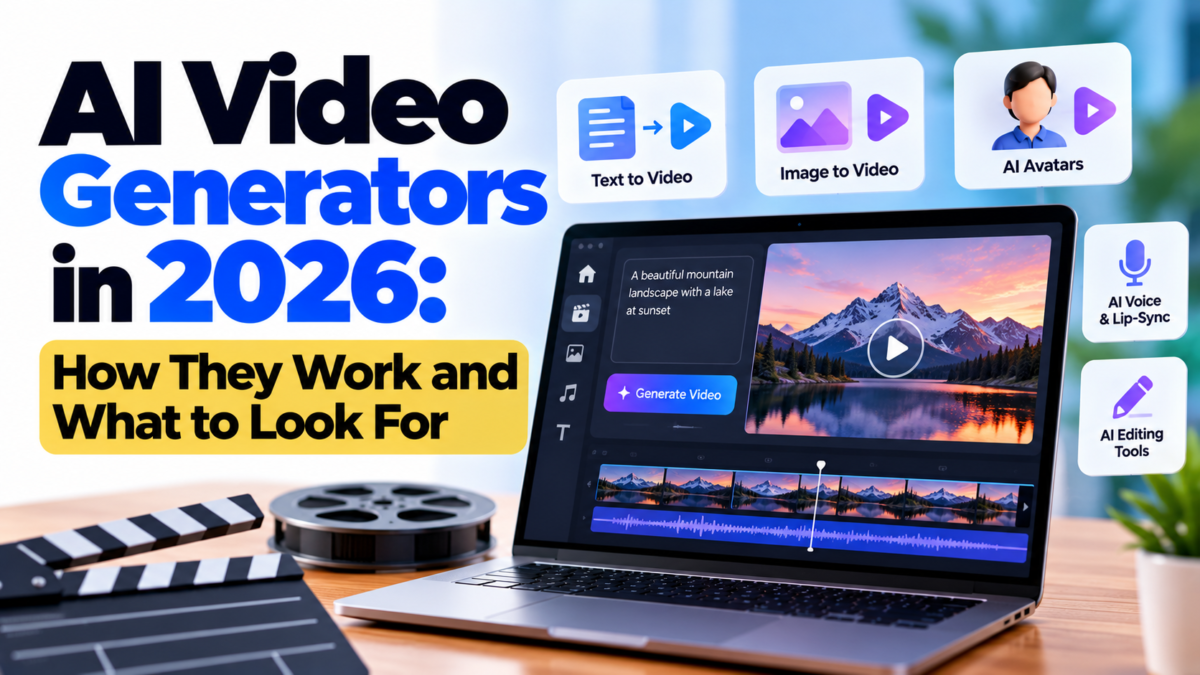
Modern tools can assist with script-based video creation, image animation, voiceovers, captions and other editing tasks.
What Is an AI Video Generator?
An AI video generator is software that uses artificial intelligence to create or modify video content.
Depending on the tool, users may be able to start with:
- Text
- Images
- Existing video
- Audio
- A script
The resulting video can then be edited or refined.
What Can AI Video Tools Do?
Text-to-Video
Some tools can create video scenes from written descriptions.
The output may be useful for concept videos, advertisements, social content or creative experiments.
Image-to-Video
An image can be animated to create movement.
This can be useful when a creator has a still image but wants to produce a short video.
AI Avatars
Some platforms can create presenter-style videos using digital avatars.
These can be useful for training, explainers and business communication.
Voice Generation
AI voice tools can create narration from text.
Creators should pay attention to licensing, consent and voice-cloning rules when using synthetic voices.
What Should You Check Before Choosing a Tool?
Output Quality
Look beyond the marketing demo.
Test several examples and check:
- Facial movement
- Hands
- Text rendering
- Scene consistency
- Audio quality
- Lip synchronisation
Editing Controls
A generator is useful, but creators often need to modify the result.
Check whether the platform provides enough editing control.
Commercial Rights
If you are creating content for a business, understand the platform’s licensing terms.
Free and paid plans may have different conditions.
Watermarks
Some plans may add watermarks.
Check this before building a production workflow.
Cost
AI video generation can consume significant computing resources.
Compare plans based on actual usage rather than only the advertised monthly price.
Are AI Video Generators Replacing Video Creators?
Not completely.
AI can reduce the amount of repetitive work involved in video production, but creative decisions still matter.
A strong video needs:
- A useful idea
- A clear audience
- Good storytelling
- Appropriate visuals
- Editing
- Accurate information
AI can accelerate production without automatically creating a good story.
How to Get Better Results
Give the tool a clear brief.
Instead of:
“Create a technology video.”
Try specifying:
- Target audience
- Video length
- Visual style
- Scene descriptions
- Narration tone
- Aspect ratio
- Key message
The more clearly you define the goal, the easier it is to evaluate the result.
Final Thoughts
AI video generators are becoming practical tools for creators, marketers, educators and businesses.
The biggest benefit is not that a machine can create an entire video with one sentence. It is that AI can reduce the time required for several traditionally complicated steps.
Use AI for speed, but keep human creativity, editing and fact-checking in the workflow.